SpanZeto / Documentation / global search Pro
Usage - Global Search Pro
How to Use Global Search Pro
- Locate the Global Search Pro search bar in the editor.
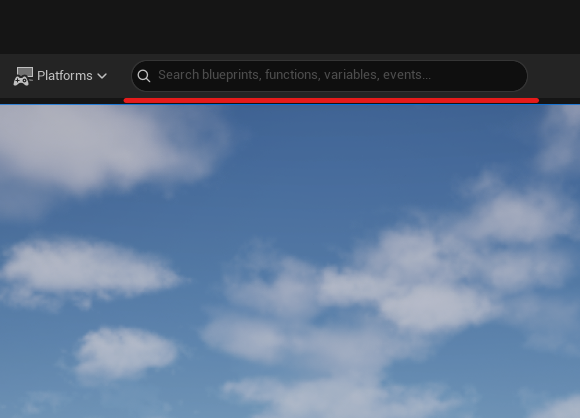
- You can type directly the element you want to search for. Global Search Pro will show real-time results filtering through any type of element plus variables, functions and custom events in your Blueprints.
- Results appear instantly as you type.
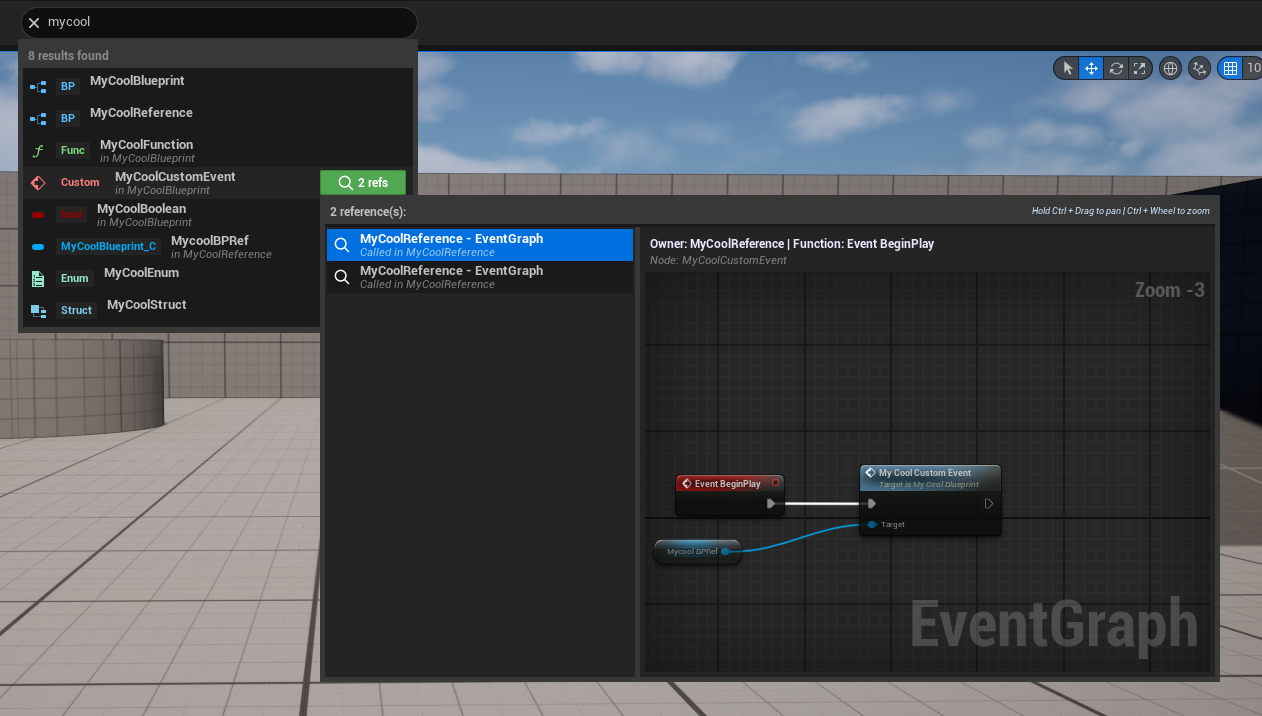
- Click on a result to open it. Global Search Pro will open the corresponding asset and, in the case of functions or custom events, navigate to them automatically.
- Keep typing to refine results; clearing the field resets the list.
- Use the filters panel above the list to enable/disable asset categories and Blueprint element types; results update instantly.
Tips
- Use partial terms for broader searches
- Filter by asset type for more precise results
- Click on references to navigate directly to the element's usage
Need help?
For questions or suggestions join our Discord.